Construction calculators from your 3D model
No retyping sizes into a spreadsheet – select part of the model and the calculator works from its real areas and volumes.
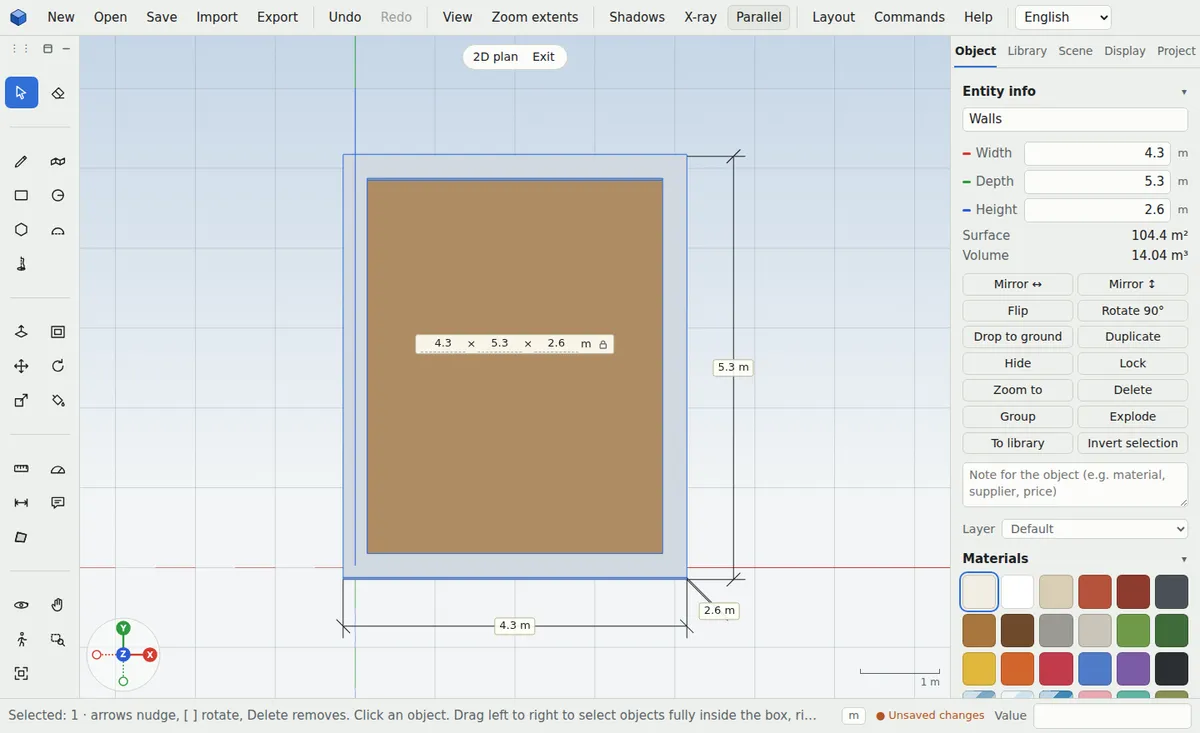
Shell construction
Concrete from the volume of foundations and slabs, excavation with bulking and truck loads, bricks and blocks, gravel and soil. Create foundations under the walls with one command.
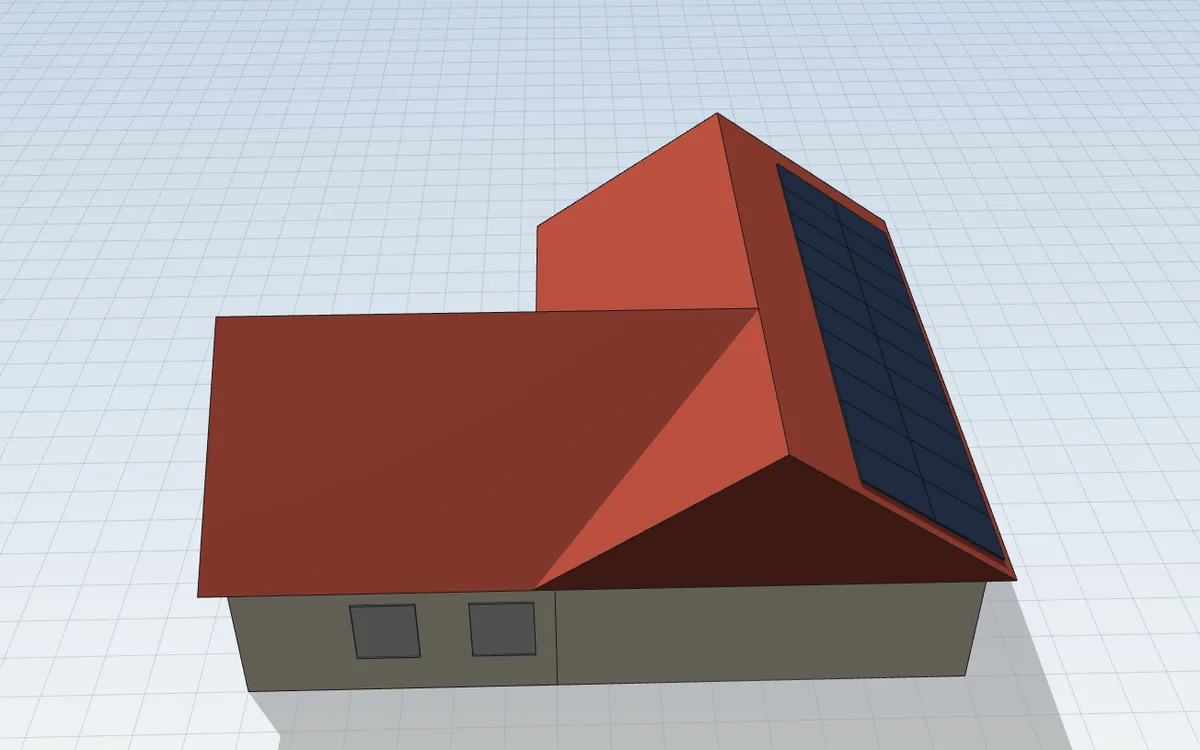
Roof and facade
Roofing, underlay and battens from the sloped faces, net facade area without windows, insulation around the house and solar panels on the roof with their output in kWp.
Interior and plot
Tiles, adhesive and grout, plasterboard, wall paint, a fence with posts, plot coverage, distances to the boundaries and the glazing ratio.


What helps you
- Concrete and excavation calculators
- Roofing, underlay and battens
- Tiles, plasterboard and paint
- Facade area and insulation
- Gravel, soil and fencing
- Solar output in kWp
Frequently asked questions
Are the calculations accurate?
They work from the model’s real areas and volumes. You set the reserve and waste in each calculator; treat the result as an estimate of materials.
Do I need to sign up?
No. All calculators are free and work without an account.
Can I keep the result?
Yes, copy it to the clipboard, and some schedules download as CSV for Excel.
More uses
Online 3D house design
Trace a floor plan or start with the house generator and within minutes you have a 3D model with a roof, windows and dimensions to show your family and your architect.
3D garden and plot design
Enter your plot, place the house and design the terrace, paths, beds, fence or pool. You’ll see where the shade falls and can count materials straight away.
3D interior and kitchen design
Measure the room, place the furniture and walk through it before you buy. You’ll see whether everything fits and how the room feels.
Furniture design and making from a 3D model
From idea to parts: design furniture to exact sizes, count the material and print a board layout for cutting.
3D models for 3D printing
Simple modelling in millimetres and an export your printer accepts without repairs.
3D models of parts and mechanical components
Draw bolts, gears, flanges or electronics enclosures in millimetres and print them straight away or send them to the workshop.
A simple SketchUp alternative
If you miss the simplicity of the old SketchUp, try ModVex: the same way of modelling – draw and pull up – right in your browser.