A simple SketchUp alternative
If you miss the simplicity of the old SketchUp, try ModVex: the same way of modelling – draw and pull up – right in your browser.
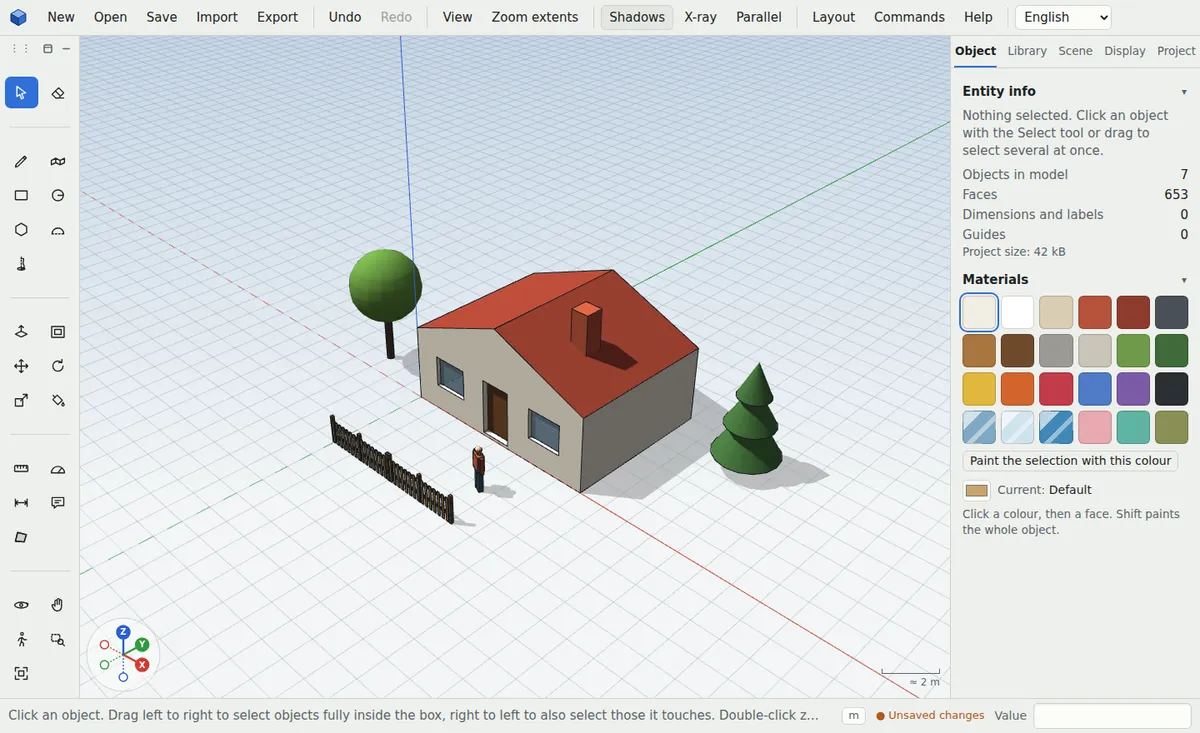
A familiar way of working
Line, rectangle, circle, push/pull, move, rotate, tape measure, dimensions and groups. Type sizes on the keyboard as a value; tools have familiar shortcuts.
No install, in four languages
The app runs in Chrome, Edge, Firefox and Safari on Windows, Mac, Linux and tablets. The interface and the guide are in English, German, Slovak and Czech.
Works with SketchUp
Export the model as Collada DAE, which SketchUp opens, or as OBJ, STL, GLB and DXF. You can import OBJ, STL, DXF and SVG.

What helps you
- Draw and push/pull
- Sizes from the keyboard
- DAE export for SketchUp
- OBJ, STL, DXF and SVG import
- Four languages
- Free, no install
Frequently asked questions
Is ModVex the same as SketchUp?
No, it’s a separate app. It works in a similar way but has its own tools, such as construction calculators and generators.
Can ModVex open .skp files?
Not directly. Export OBJ or DAE from SketchUp and import that; for the other direction use the DAE export.
How much does it cost?
All tools are free. Paid plans only add more cloud storage.
More uses
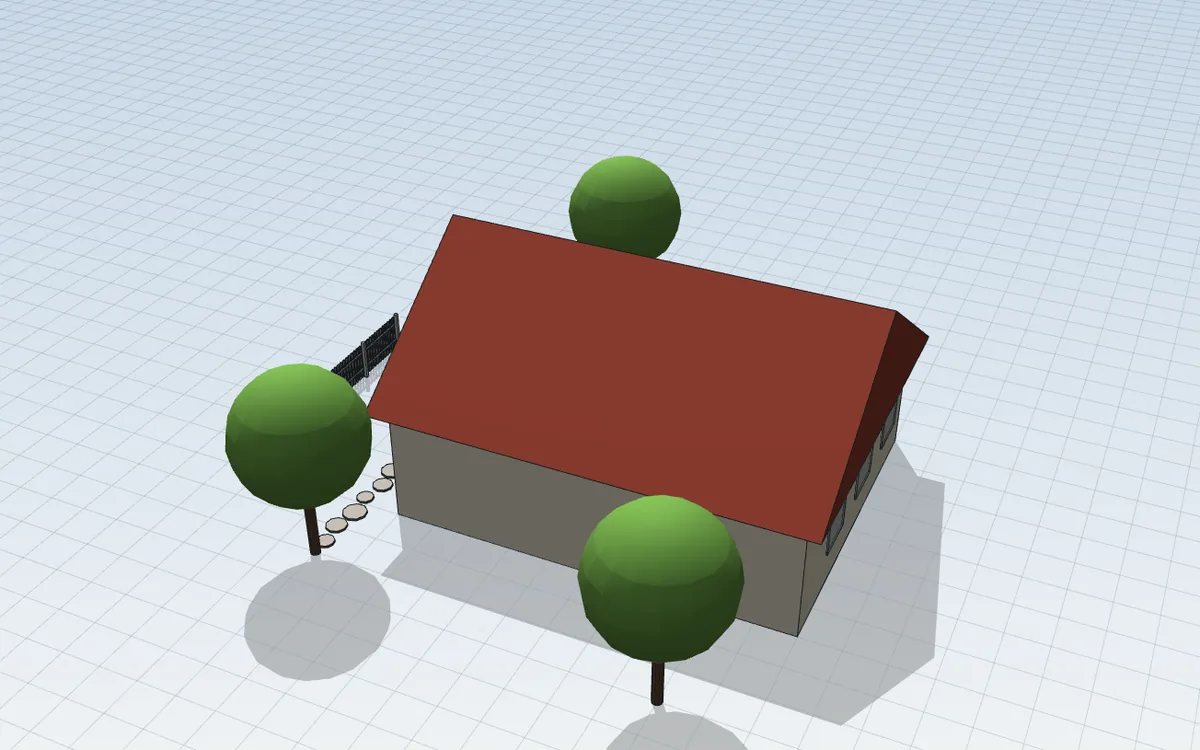
Online 3D house design
Trace a floor plan or start with the house generator and within minutes you have a 3D model with a roof, windows and dimensions to show your family and your architect.
3D garden and plot design
Enter your plot, place the house and design the terrace, paths, beds, fence or pool. You’ll see where the shade falls and can count materials straight away.
3D interior and kitchen design
Measure the room, place the furniture and walk through it before you buy. You’ll see whether everything fits and how the room feels.
Furniture design and making from a 3D model
From idea to parts: design furniture to exact sizes, count the material and print a board layout for cutting.
3D models for 3D printing
Simple modelling in millimetres and an export your printer accepts without repairs.
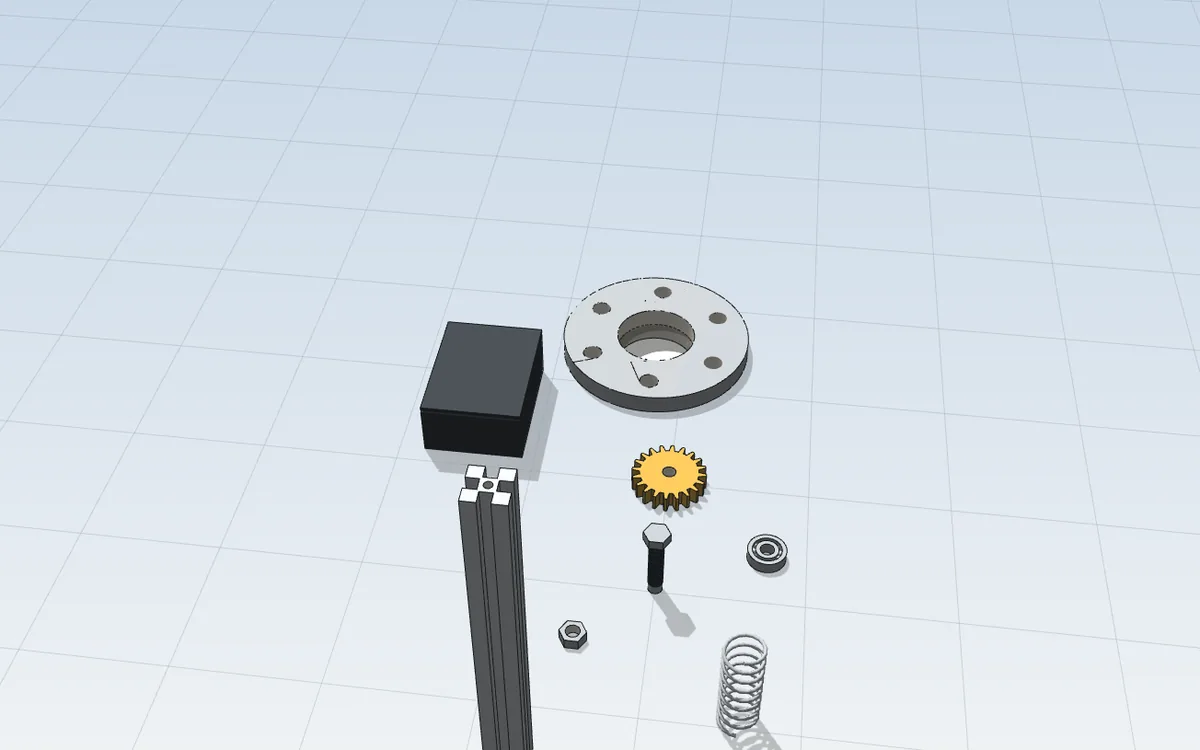
3D models of parts and mechanical components
Draw bolts, gears, flanges or electronics enclosures in millimetres and print them straight away or send them to the workshop.
Construction calculators from your 3D model
No retyping sizes into a spreadsheet – select part of the model and the calculator works from its real areas and volumes.